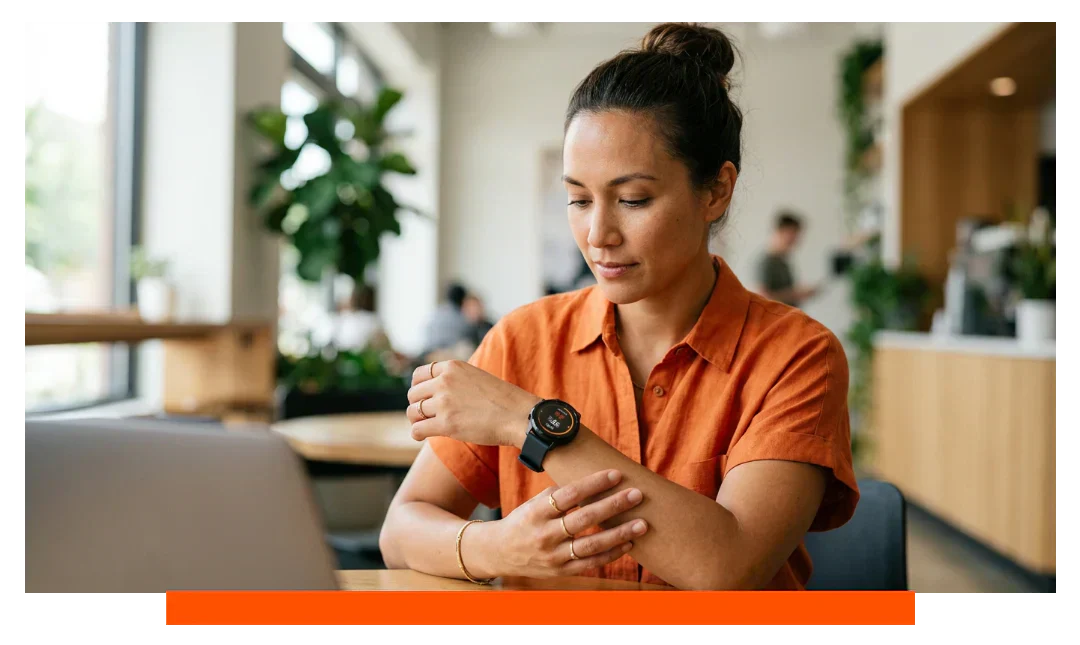


Yes, Apple Watch 11 can track menstrual cycles with practical accuracy when you wear it consistently and log data. It projects period windows and offers retrospective ovulation estimates from wrist temperature trends. Accuracy varies by cycle regularity and habits, and it is not contraception or a medical diagnosis tool.
What Apple Watch 11 measures for cycle tracking
Apple Watch 11 combines on-wrist data with your logged information to model cycle phases. It looks at wrist temperature during sleep, heart rate trends, sleep timing, and recorded symptoms. This multimodal approach reduces guesswork compared to logging alone.
The role of wrist temperature
Wrist temperature during sleep reflects subtle hormonal changes across the cycle. The watch establishes a personal baseline after about 5 nights of sleep data. It then flags sustained rises likely associated with post-ovulation changes.
Heart rate, sleep, and patterns
Resting heart rate can dip mid-cycle and run higher during the luteal phase for some users. Sleep consistency improves signal quality because the watch samples wrist temperature most reliably at night. Irregular routines, travel, or shift work can add noise and widen prediction windows.
How accurate is Cycle Tracking?
Accuracy depends on your physiology and data consistency. Typical cycle lengths for adults range from 21 to 35 days, and natural variability of 2 to 7 days is common. Because of this, predictions are best viewed as ranges, not guarantees.
Apple Watch 11 refines period predictions as you log more cycles. After several months, it adapts to your average length and observed variability. Notifications can warn when predicted periods or fertile windows shift significantly from your baseline.
Large changes can reflect life stages such as adolescence, postpartum, or perimenopause. Medical conditions like PCOS or thyroid disorders may produce irregular patterns that algorithms cannot neatly forecast. In these cases, trends may still help you discuss data with a clinician.
Does Apple Watch use skin temperature for ovulation?
Yes, Apple Watch 11 uses overnight wrist temperature trends to generate retrospective ovulation estimates. The algorithm looks for a biphasic temperature shift that typically occurs after ovulation. Estimates are delivered after the shift appears, not as same-day confirmations.
Temperature sensing works only when you wear the watch to sleep for several nights each week. Fever, alcohol, time zone shifts, or disrupted sleep can distort temperature data. The feature is not intended for contraception or to confirm pregnancy.
How to set up Cycle Tracking on Apple Watch?
- Update iPhone and Apple Watch.
- Enable Health permissions for Cycle Tracking.
- Open Health app, set Cycle Tracking.
- Add cycle history and symptoms.
- Turn on wrist temperature tracking.
- Wear the Watch nightly during sleep.
- Enable notifications on your Watch.
To view or log on-wrist, open the Cycle Tracking app on Apple Watch 11. On iPhone, use the Health app for details, charts, and trend insights. Ensure Sleep Focus is set to gather consistent overnight data.
What influences accuracy on Apple Watch 11
| Factor | What Apple Watch 11 uses | Impact on accuracy | Notes |
|---|---|---|---|
| Cycle history | User-entered start dates | Improves period predictions | 3 to 6 cycles helpful |
| Wrist temperature | Overnight dual sensors | Ovulation estimate quality | Baseline after 5 nights |
| Resting heart rate | Optical sensor during sleep | Context for phase shifts | Illness can raise rate |
| Sleep regularity | Sleep Focus and wear time | Reduces data noise | Shift work adds variability |
| Medication logging | Health app factor logs | Explains cycle changes | Hormones alter patterns |
| Consistency of wear | Nightly on-wrist usage | Stabilizes temperature baselines | At least 5 nights weekly |
Tips to improve accuracy
Consistent inputs produce better estimates over time. Wear Apple Watch 11 snugly, especially overnight, and use Sleep Focus regularly. Log flow, cramps, and related symptoms soon after they occur.
- Wear snug, not tight.
- Log symptoms the same time.
- Use Sleep Focus nightly.
- Avoid moving Watch overnight.
- Record medications and illnesses.
Comfort matters for nightly wear and signal quality. Consider rotating breathable bands for sleep and workouts. You can swap to comfortable Apple Watch straps and add Apple Watch accessories to keep nightly wear consistent.
What Apple Watch 11 does not do
It does not diagnose conditions such as PCOS, endometriosis, or thyroid disorders. It does not confirm ovulation in real time or guarantee fertile windows. It is not approved for contraception.
If you are trying to conceive or avoid pregnancy, consider clinical guidance. You may also use additional tools like LH tests for cross-checking. Combine wearable data with professional advice for critical decisions.
Privacy and data control
Cycle data is stored in the Health app with granular permissions. With iCloud and two-factor authentication, health data can be end-to-end encrypted. Apple states it cannot decrypt your Health data in transit or on its servers.
On-device processing powers many insights, reducing cloud exposure. You control which apps can read or write cycle data. You can export your records for consultations or personal backups.
Real-world expectations and use cases
For users with stable 26 to 32 day cycles, period predictions often converge closely on your personal average. People in perimenopause or postpartum will see wider windows, which is expected. Athletes may notice training load influences on sleep, temperature, and heart rate patterns.
Travel across time zones can shift circadian rhythms. Give the watch several nights after travel to recalibrate baselines. Revisit logged factors if your schedule or health changes markedly.
Troubleshooting common issues
No temperature data appearing
Verify Sleep Focus is active and you wear the watch to bed. Ensure skin contact is secure and the sensor area is clean. Check permissions and allow several nights for baselines to populate.
Predictions feel off after illness
Fever can raise wrist temperature and heart rate, temporarily skewing estimates. Log the illness to provide context. Predictions should normalize as you recover and rebuild consistent nights.
Irregular cycles after new medication
Hormonal contraceptives or treatments can alter bleeding patterns and ovulation timing. Log medications in the Health app for transparency. Expect the algorithm to adapt after new patterns are established.
Frequently asked questions
Can Apple Watch 11 predict pregnancy?
No, it is not designed to predict or confirm pregnancy. Temperature or cycle changes may occur for many reasons. Use medical testing for confirmation.
How many nights are needed for ovulation estimates?
The watch needs about 5 nights to establish a baseline. More nights improve confidence in detecting sustained shifts. Estimates appear retrospectively after a detectable change.
Is Cycle Tracking accurate for very irregular cycles?
Predictions are less precise when cycles vary widely. You can still track trends and share them with a clinician. Consider complementary methods if timing is critical.
Does Apple Watch 11 improve accuracy over Series 8 or 9?
Apple Watch 11 combines refined sensors and updated algorithms. In practice, the biggest gains come from consistent nightly wear and thorough logging. Real-world accuracy still depends on your physiology and habits.
Can I export or delete my cycle data?
Yes, you can export Health data from your iPhone. You can also revoke permissions or delete records at any time. These controls help you manage privacy.
Conclusion
Apple Watch 11 can track menstrual cycles accurately enough for everyday planning when worn consistently and supported by diligent logging. It offers retrospective ovulation estimates from wrist temperature and adapts to your personal variability. Treat results as informed estimates, not diagnoses or contraception, and combine them with clinical advice when decisions matter.