

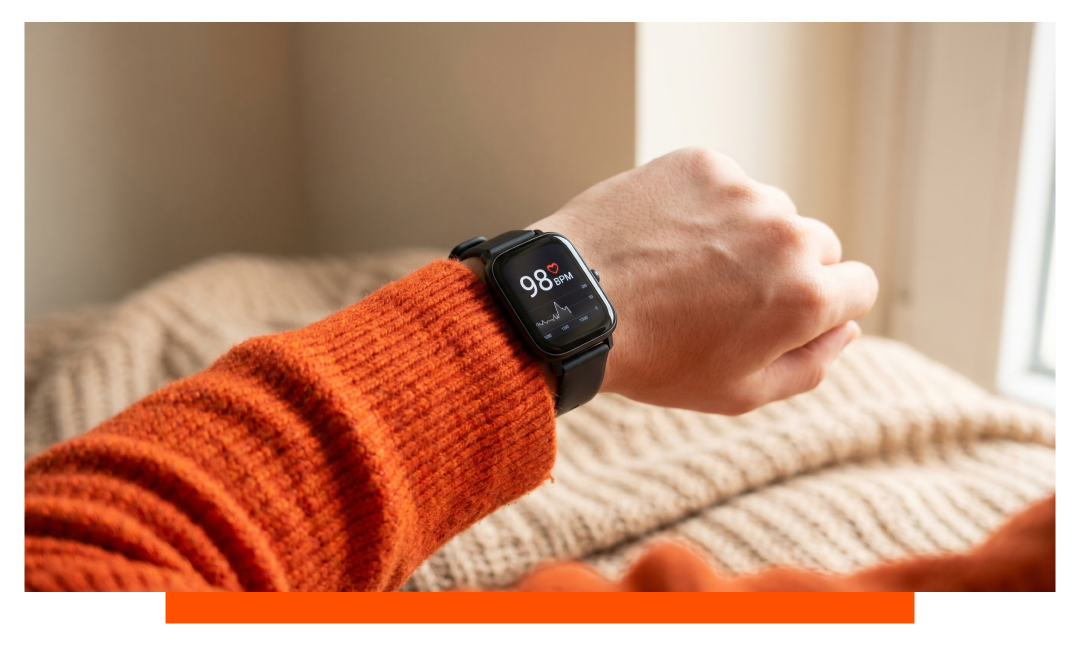
Smartwatches measure heart rate using optical sensors that track blood flow changes under your skin. Green or multiwavelength LEDs shine light, photodiodes capture the reflected signal, and algorithms derive beats per minute from pulse peaks. Many models also fuse accelerometer data to reduce motion noise for more reliable readings.
The science behind optical heart sensing
Photoplethysmography in plain terms
The optical technique is called photoplethysmography, often shortened to PPG. Each heartbeat briefly increases blood volume in capillaries, changing how much light is absorbed and reflected. Sensors read these tiny fluctuations and convert them into a waveform where each peak equals a beat.
From light to BPM: the pipeline
LEDs flash at specific wavelengths, commonly green around 525-565 nm for strong hemoglobin absorption. Photodiodes sample reflected light tens of times per second, creating a time series. Signal processing filters noise, detects peak-to-peak intervals, and calculates BPM and heart rate variability from beat timing.
Sensors in modern wearables
Apple Watch 11 sensor suite
Apple Watch 11 uses multiple green LEDs and photodiodes, plus infrared LEDs for background checks. It adjusts LED brightness and sampling rate dynamically to maintain a usable signal. Algorithms blend accelerometer and gyroscope data to cancel motion artifacts during workouts.
Samsung Galaxy Watch 8 sensor suite
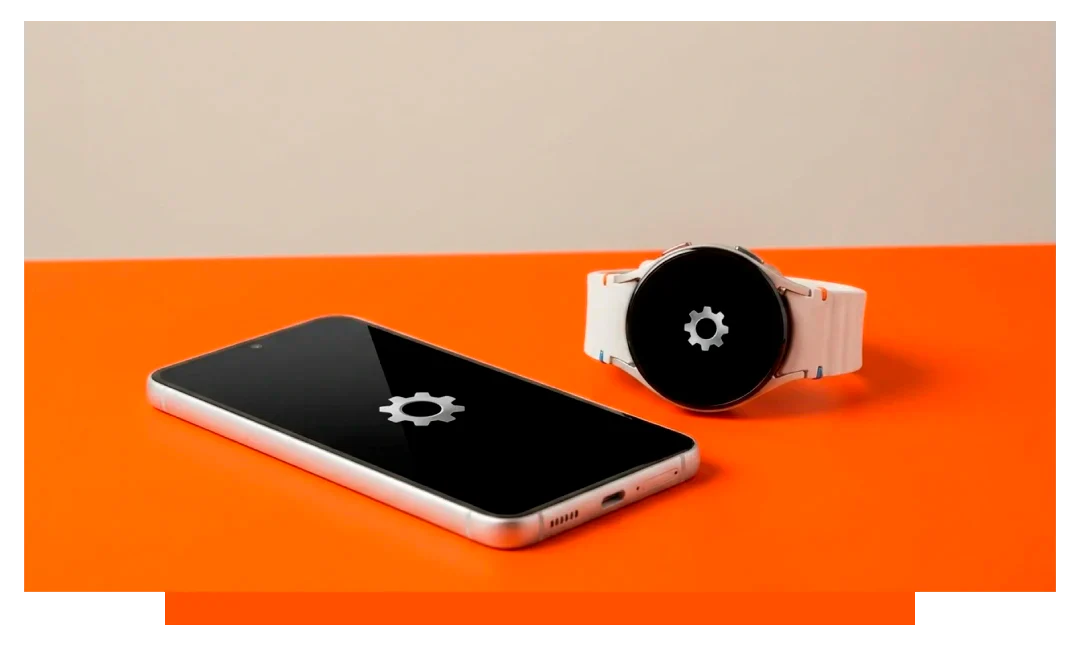
Samsung Galaxy Watch 8 also pairs multi-LED arrays with high-sensitivity photodiodes. It switches between green and infrared depending on conditions and power targets. On-wrist detection and AI filtering help maintain lock when cadence or arm swing confuses the optical signal.
Core components and typical values
What is measuring what, exactly
The PPG stack has tunable hardware and software parameters. Typical sampling spans 25-128 Hz, with 50-100 Hz during training and 25-30 Hz at rest to save power. Brightness modulation and duty cycling balance accuracy, skin tone coverage, and battery life.
| Component | Purpose | Apple Watch 11 | Galaxy Watch 8 | Typical values |
|---|---|---|---|---|
| Green LEDs | Pulse detection | Multi-diode array | Multi-diode array | 525-565 nm |
| Infrared LEDs | Background checks | Yes | Yes | 700-900 nm |
| Photodiodes | Light reception | High sensitivity | High sensitivity | Microamp currents |
| Sampling rate | Temporal resolution | Adaptive | Adaptive | 25-128 Hz |
| Motion fusion | Noise reduction | Accel + gyro | Accel + gyro | 1-4 g range |
| ECG electrodes | Rhythm check | Digital Crown + back | Bezel + back | 30-second lead I |
Is smartwatch heart rate accurate?
What studies and testing show
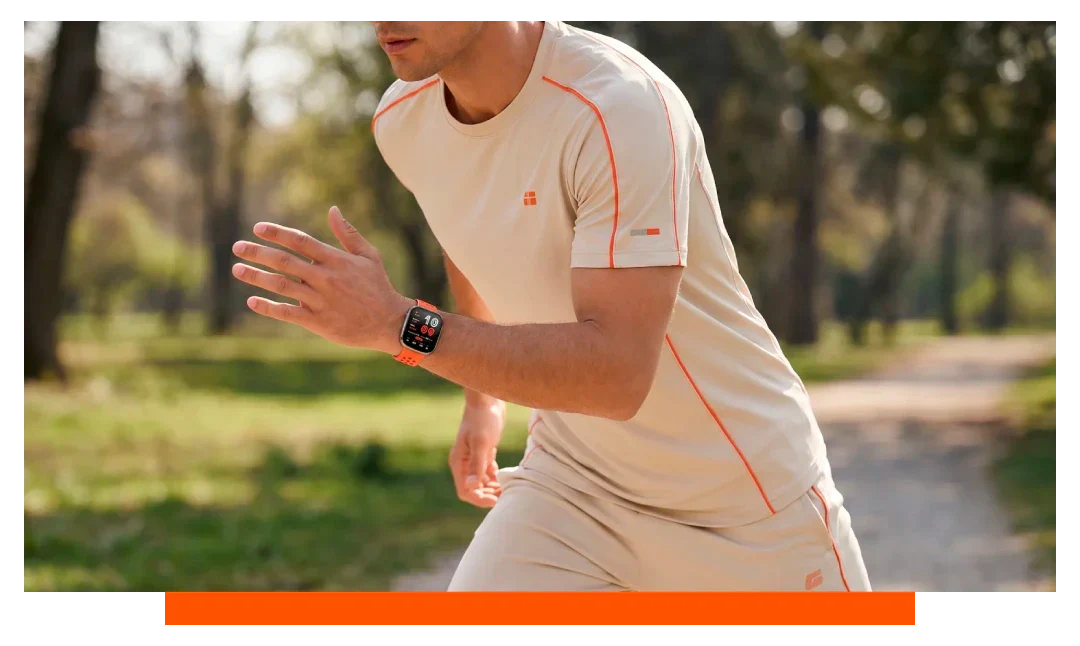
At rest, modern watches often read within 1-3 bpm of chest straps under controlled conditions. During steady runs or cycling, error typically lands in the 2-5 percent range when fit and cadence are stable. High-intensity intervals or wrist-intensive sports can widen error to 5-10 percent.
Why accuracy changes with activity
Optical sensors see more noise when your wrist flexes, skin slides, or vibration impacts the watch. Cadence lock - when arm swing mimics your step rate - can mislead naive algorithms. Sensor fusion and machine learning mitigate this, but physics still matters during abrupt movements.
Factors that affect accuracy
Motion and skin contact
Snug, consistent contact is critical, ideally one finger-width above the wrist bone. Loose bands introduce motion artifacts that look like pulse waves. Sweat and water can scatter light, so drying the lens and skin improves signal quality.
Skin tone, tattoos, and temperature
Darker skin tones reflect less green light, so devices boost brightness and use additional wavelengths. Solid tattoos can block light, requiring a different placement. Cold exposure constricts vessels, reducing perfusion and weakening the optical waveform.
How to enable heart rate on smartwatch?
Apple Watch 11 steps
On Apple Watch 11, open Settings - Health - Heart Rate, and ensure Heart Rate is on. In the Watch app on iPhone, go to My Watch - Privacy - Heart Rate, and enable it. For background readings and fitness metrics, turn on Fitness Tracking under Privacy.
Samsung Galaxy Watch 8 steps
On Galaxy Watch 8, open Settings - Samsung Health - Heart rate, and choose Measure continuously or Every 10 minutes while still. In the Galaxy Wearable app, open Health settings and allow continuous heart rate. Ensure the watch is detected as On-wrist so readings are logged.
Best practices for reliable readings
Quick fit and usage checklist
- Wear snug, not tight
- Place above wrist bone
- Warm up briefly first
- Clean sensor glass
- Use workout profiles
- Avoid heavy wrist flexion
- Consider chest strap pairing
Interpreting your heart rate data
Resting heart rate and trends
Resting heart rate typically ranges 50-90 bpm for adults, with trained endurance athletes often in the 40s. Multi-week trends are more meaningful than single readings. A sudden 5-10 bpm rise for several days can hint at illness, fatigue, or poor recovery.
During workouts: zones and alerts
Watches estimate zones from age-based max or personal VO2max proxies. Set high and low alerts to avoid overreaching or undertraining. For intervals, expect slight lag as algorithms smooth spikes to avoid false peaks.
Power, comfort, and accessories
Battery impact and sampling choices
Continuous monitoring at higher sampling rates costs more power than periodic checks. Many watches lower LED duty cycle at rest and ramp during exercise. If battery is critical, choose periodic background checks and manual workout starts.
Bands, fit, and daily comfort
A secure band is the simplest accuracy win, especially for high-cadence runs. Swap to a sport band for sweat and a softer strap for all-day wear. If you use Apple Watch, consider upgrading comfort and stability with Apple straps , Fitbit straps or Garmin straps.
Optical vs ECG: complementary roles
When to use ECG spot checks
Optical PPG excels at continuous monitoring and exercise metrics. ECG spot checks help clarify rhythm questions like atrial fibrillation by reading electrical activity rather than blood flow. Apple Watch 11 and Galaxy Watch 8 support quick, 30-second single-lead ECGs for snapshots, not continuous use.
Pairing with a chest strap
For intense intervals, chest straps still offer gold-standard beat detection with minimal motion artifacts. Both Apple Watch 11 and Galaxy Watch 8 can pair with external sensors for training sessions. Use this when every beat matters, like VO2max tests or short sprints.
Data handling, privacy, and safety
What your watch does and does not do
Heart rate data powers metrics like calories, training load, and stress estimates. Consumer wearables are not medical devices and should not diagnose conditions. Always consult a clinician for symptoms like palpitations, chest pain, or dizziness.
Permissions and sharing
Control which apps see your heart data in Health or Samsung Health settings. Export summaries for coaches while keeping raw data private if you prefer. Back up your profiles so long-term trends survive device upgrades.
Frequently asked questions
Why does my heart rate jump during easy runs?
Motion artifacts or cadence lock can trick the sensor, especially with loose bands. Tighten the strap and switch to the proper workout mode. Consider pairing a chest strap for intervals or trail runs.
Can tattoos block readings?
Solid, dark tattoos can absorb or scatter light. Move the watch above or below the tattooed area. Increasing LED brightness helps, but placement is the best fix.
Is green light better than infrared?
Green light generally yields stronger arterial pulse signals at the wrist. Infrared is useful for background checks and power savings. Many devices use both, choosing adaptively based on conditions.
How quickly do readings update?
During workouts, sampling often runs 50-100 Hz with displayed BPM updating every 1-5 seconds. At rest, background checks can occur every few minutes. Sudden spikes are smoothed to avoid false alarms.
Will sweat ruin accuracy?
Sweat can scatter light and loosen the fit. Wipe the lens and tighten the band slightly. Most watches auto-compensate by boosting LED output when needed.
Conclusion
How does heart rate monitoring work on a smartwatch?
Your smartwatch shines LEDs into your skin and measures how returning light changes as blood pulses, a method called PPG. It filters that signal, times each beat, and calculates BPM while fusing motion data to cut noise. Devices like Apple Watch 11 and Galaxy Watch 8 further add ECG spot checks to complement continuous optical tracking.